04 · Services
CMS work & WordPress exits
Leave a bloated WordPress without losing a single ranking. Or finally make the one you have work.
WordPress, Joomla and the rest aren't bad tools — they're badly applied. A ten-page site that never changes doesn't need a database, thirty plugins and a fortnightly security update. Conversely, a site publishing weekly needs a real back office. We choose based on what you actually do.
What's included
- Audit of what exists: what it really costs you, what slows you down, what exposes you.
- Migration with permanent redirects for every legacy URL, verified one by one from the old sitemap — this is where most migrations lose their SEO.
- The old installation kept intact, archived and dated: rollback stays possible.
- Content, images and forms carried over without loss.
- When the CMS is still the right answer: plugin clean-up, upgrade, hardening and slimming down.
The projects that prove it
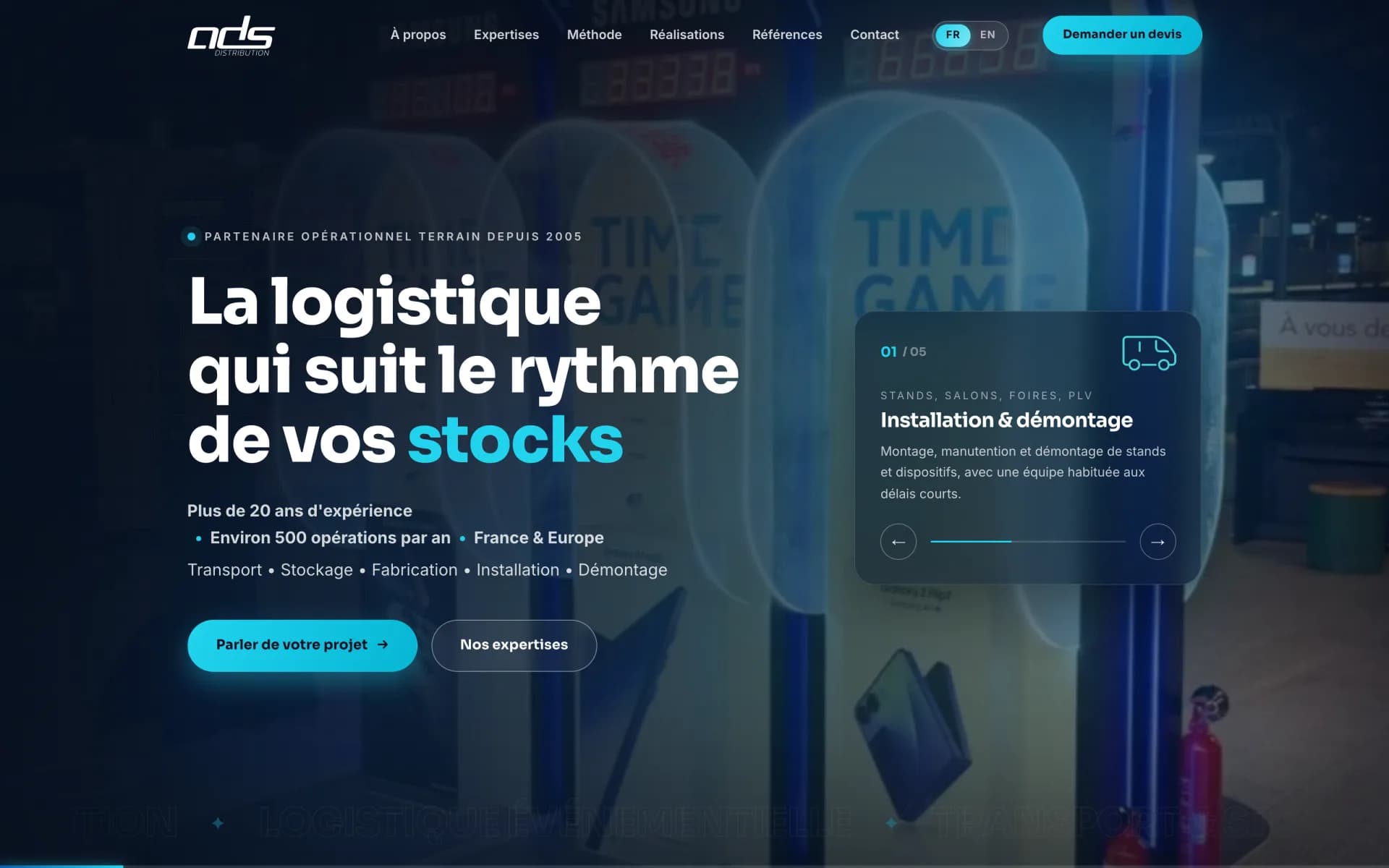 Live
LiveEvent logistics
ODS Distribution
A successful production switch on the main domain: zero dependencies, zero database, images cut fourfold, and every legacy URL redirected one by one.
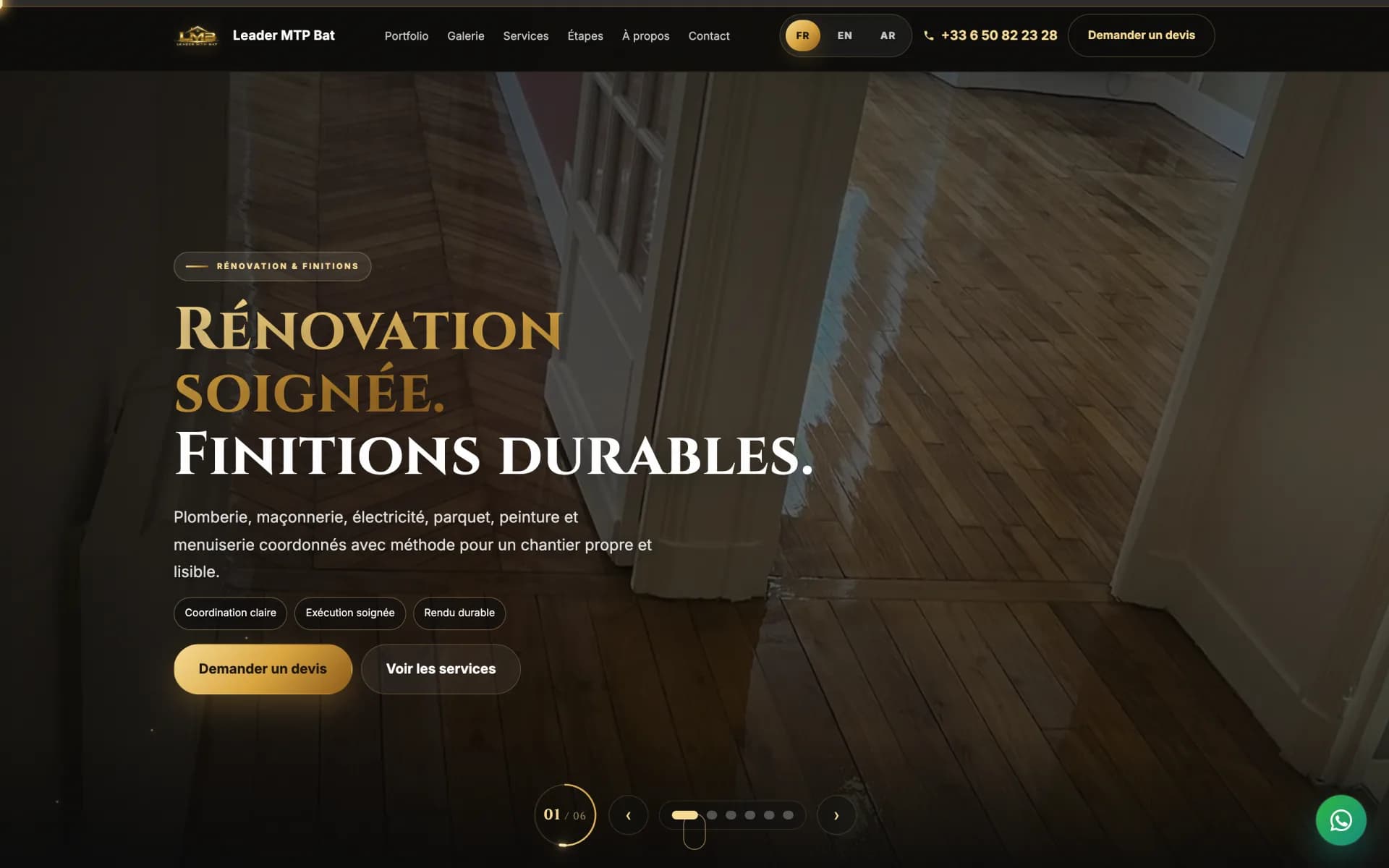 Live
LiveConstruction & renovation
Leader MTP Bat
A 16-project portfolio, before/after gallery, seven videos, a trilingual site and four specialty landing pages — plus the Google listing and social accounts built from scratch.
Frequently asked
Will I lose my rankings by changing site?
Not if the migration is done properly. The risk comes from URLs changing without redirects: Google finds missing pages and demotes the site. We start from the old installation's sitemap and redirect every address one by one, then verify. It's tedious, which is exactly why it often gets skipped.
A project, a question, or just a doubt about your current site?
The first conversation costs nothing and mainly serves to find out whether we're the right people.